
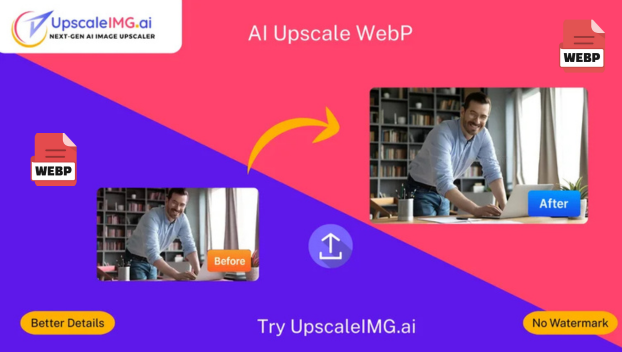
Unlocking the Power of AI to Upscale WebP Images: The Ultimate Guide by upscaleimg.ai
🧠 How AI Upscaling Works for WebP Images
AI upscaling uses artificial intelligence, especially deep learning technologies like convolutional neural networks, to intelligently analyze and enhance images. Instead of simply enlarging pixels (which causes blur), AI reconstructs missing details based on learned patterns from millions of images, improving sharpness, texture, and overall quality. Learn more about our process on the Services page.
- 🔍 Enlarging images up to 2x, 4x, or even 8x their original size using our Bulk Image Upscaler.
- 🖼️ Restoring clear edges and fine details.
- 🎨 Maintaining natural colors and textures.
- 🚫 Significantly reducing noise and artifacts.
 How Things Are Done Now
 How Things Are Done Now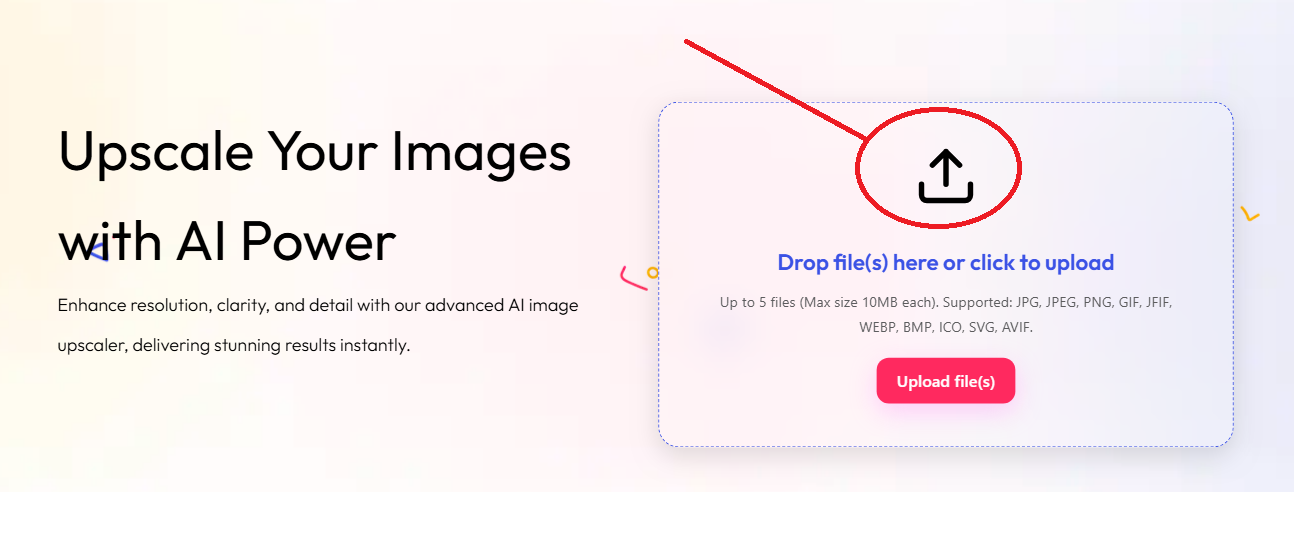
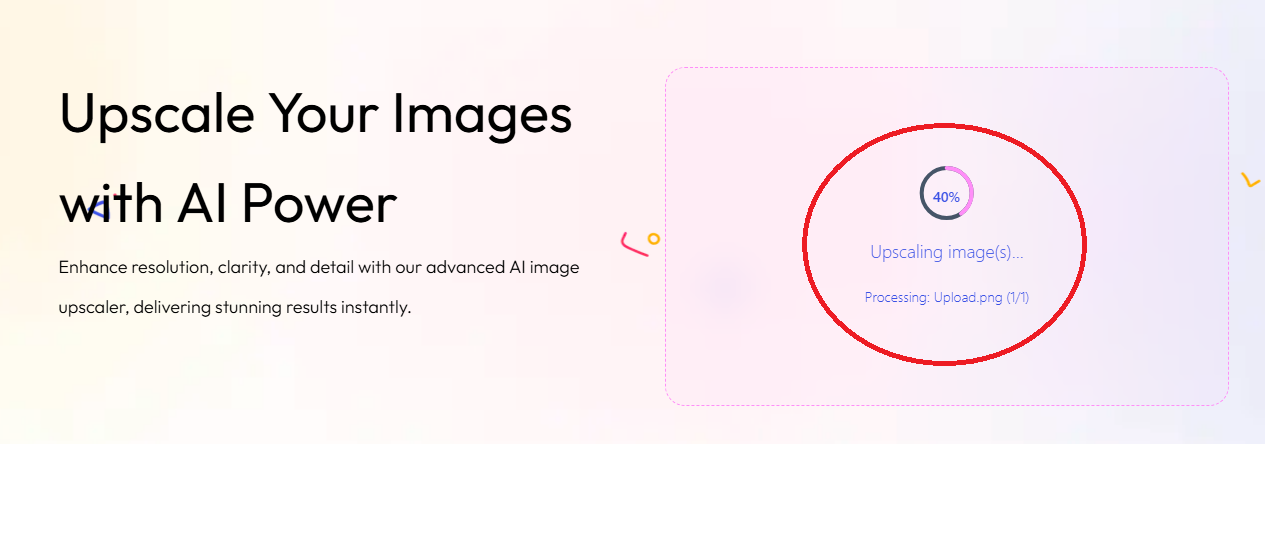
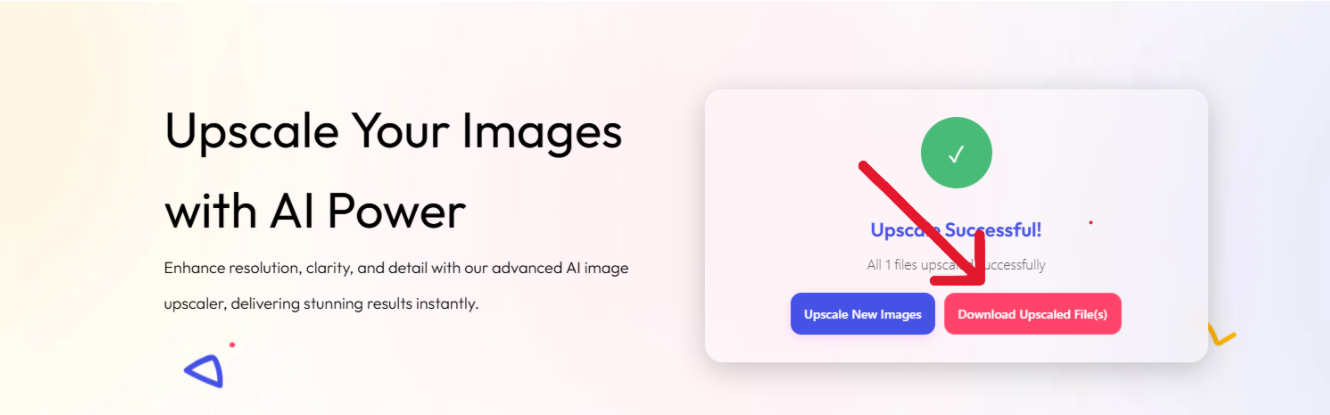
Imagine you have a marketing banner originally saved as a 400×400 pixel WebP image that looks pixelated when viewed on larger screens. Using upscaleimg.ai, you can upscale it 4x to 1600×1600 pixels.
- Before: Blurry edges, pixelation, loss of text clarity.
- After: Crisp text, sharp edges, natural textures restored.
This improves professionalism and user experience dramatically.
Upscale WebP Images with AI
Easily enhance your WebP images using our AI Upscale WebP tool. Get sharper, high-resolution results for web projects, social media, and digital design in seconds.
Try AI Upscale WebPWebP is an image format developed by Google supporting lossy and lossless compression with transparency and animation. It’s popular because it offers superior compression and quality compared to older formats like JPEG and PNG, resulting in faster web page loading and less bandwidth usage.
AI upscaling uses machine learning to reconstruct fine details and edges intelligently, increasing image resolution without the blurriness or artifacts typical of standard resizing techniques.
Absolutely! You can try our AI image upscaler for free to see the remarkable difference AI can make. Just click the “Try it Free” or “Start Upscaling Now” button on our homepage to begin.
Currently, most AI upscalers, including upscaleimg.ai, focus on static images. Animated WebP upscaling requires frame-by-frame processing and is more complex but may be supported in future releases.
You can typically upscale images up to 8x their original size, depending on the source resolution and desired quality.
Yes, increasing resolution generally increases file size, but WebP’s efficient compression helps keep sizes lower than other formats at the same resolution.
🌍 Read in Other Languages
We’ve also explained this in Hindi, Indonesian, and Dutch.

 English
 Indonesian
 Hindi
Hindi Dutch
Dutch Arabic