
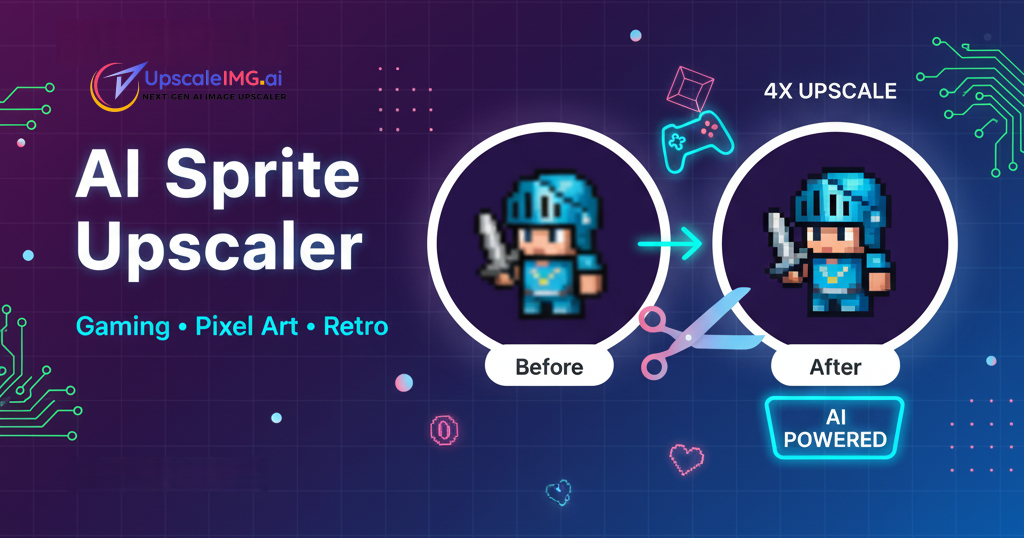
Best Sprite Upscaler: AI-Powered Pixel Art Enhancement for Game Development
Transform your 2D game sprites and pixel art with advanced AI upscaling technology. Maintain the authentic retro aesthetic while achieving crisp, high-resolution results perfect for modern game development.
Start ReadingTable of Contents
Game development has evolved dramatically, but the charm of pixel art and sprite-based games remains timeless. Modern sprite upscaler technology allows developers to enhance their 2D graphics while preserving the authentic retro aesthetic that makes classic games so appealing.
Whether you're remastering classic games, developing new indie titles, or creating assets for mobile platforms, the right sprite upscaling solution can transform your workflow and deliver professional results that captivate players across all devices.
What is Sprite Upscaling?
Sprite upscaling is the process of increasing the resolution of 2D game graphics while maintaining their characteristic pixel art style. Unlike regular image upscaling, sprite upscaling requires special consideration for sharp edges, limited color palettes, and the distinctive blocky aesthetic that defines retro gaming.
🎮 What Are Game Sprites?
- • 2D graphics representing characters, objects, and UI elements
- • Typically created at low resolutions (16x16, 32x32, 64x64 pixels)
- • Designed with limited color palettes for retro aesthetics
- • Used in platformers, RPGs, puzzle games, and mobile games
🔍 Why Upscale Sprites?
- • Modern displays require higher resolutions
- • Mobile platforms need scalable graphics
- • HD remasters of classic games
- • Cross-platform compatibility requirements
🚀 Modern Solutions:
Today's AI-powered sprite upscaler tools can intelligently enhance pixel art while preserving the crisp, blocky aesthetic that makes sprites visually appealing.
Why Game Sprites Need Upscaling
The gaming landscape has evolved significantly, creating new challenges and opportunities for sprite-based games:
📱 Multi-Platform Development Challenges
Mobile Devices
High-DPI screens make low-res sprites appear tiny and pixelated
Modern Consoles
4K displays require significantly higher resolution assets
PC Gaming
Wide variety of screen resolutions and aspect ratios
Our bulk sprite upscaler can process entire game asset libraries for multiple platform deployment.
🎯 Game Development Scenarios
Indie Game Development
Independent developers need scalable assets for various platforms and screen sizes
Classic Game Remasters
Publishers updating classic titles for modern audiences and platforms
💡 Technical Advantages
- Performance Optimization: Larger sprites reduce GPU scaling overhead
- Visual Quality: Crisp rendering at native display resolutions
- Memory Efficiency: Better texture compression at higher resolutions
- Future-Proofing: Assets ready for next-generation displays
🎮 Ready to Enhance Your Game Sprites?
Start with our AI sprite upscaler to see the immediate quality improvement possible with modern upscaling technology.
Best Sprite Upscaler Solutions
When choosing a sprite upscaler for your game development workflow, consider these top-tier solutions:
UpscaleIMG.AI - AI Sprite Upscaler
Our AI-powered sprite upscaler is specifically optimized for game development workflows, offering pixel-perfect results that maintain the authentic retro aesthetic.
✨ Key Features
- • AI trained on pixel art and sprites
- • 4x upscaling ratio
- • Batch processing for game asset libraries
- • Preserves sharp edges and color palettes
- • Web-based - no software installation
🎯 Perfect For
- • Indie game developers
- • Mobile game studios
- • Classic game remasters
- • Pixel art enthusiasts
- • Multi-platform development
Sprite Upscaler Examples
Try Sprite Upscaler Now
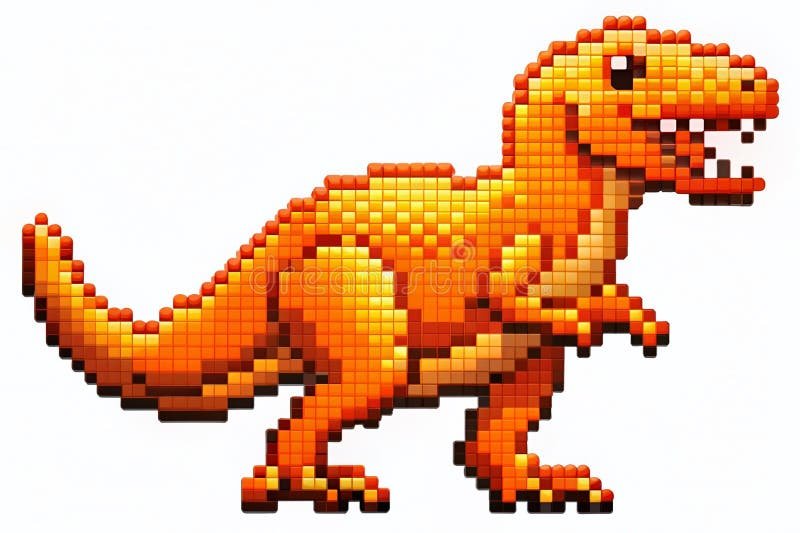
Classic Game Sprites
Enhance pixelated sprites from retro games with our sprite upscaler to achieve sharp, modern-quality graphics.

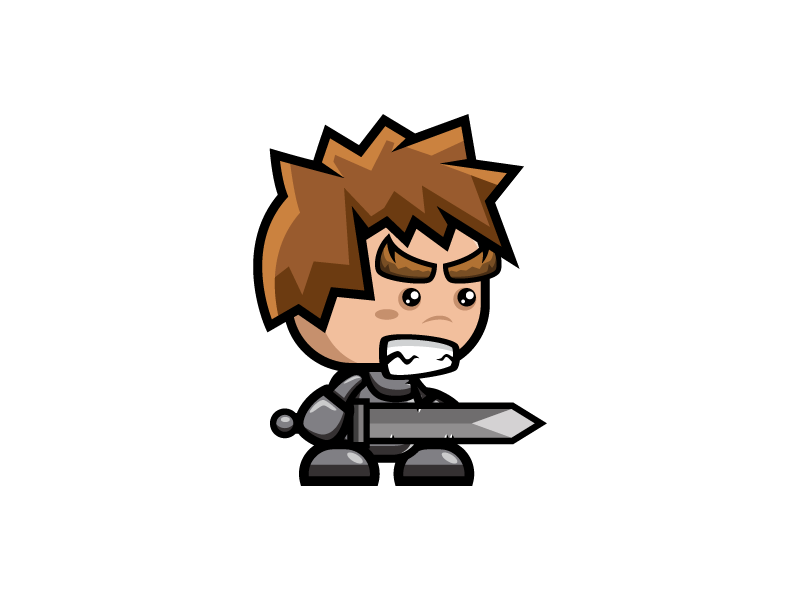
Character Sprites
Use the sprite upscaler to clean and upscale character sprites, keeping crisp edges and vibrant colors.
Game Development Applications
Sprite upscaling has numerous applications across different types of game development projects:
🕹️ Indie Game Development
Common Challenges
- • Limited art budget and resources
- • Need for multi-platform compatibility
- • Varying screen sizes and resolutions
- • Steam Deck and handheld console support
Sprite Upscaler Solutions
- • Batch process entire asset libraries
- • Generate multiple resolution variants
- • Maintain consistent visual style
- • Cost-effective asset scaling solution
📱 Mobile Game Development
Mobile-Specific Considerations
Screen Density Challenges
- • iPhone Retina displays (2x, 3x)
- • Android device fragmentation
- • Tablet vs phone optimization
Performance Requirements
- • Memory-efficient textures
- • Battery life considerations
- • Fast loading times
Use our sprite upscaler to create @2x and @3x asset variants required for iOS development, or multiple DPI versions for Android games.
🎮 Classic Game Remasters
Arcade Classics
Upscale vintage arcade sprites for modern arcade cabinets and collections
Console Remasters
Enhance 8-bit and 16-bit era games for current-gen consoles
Mobile Ports
Adapt classic PC games for touch-screen devices
🎨 Asset Creation Workflows
Typical Sprite Development Pipeline
Create
Design base sprites at low resolution
Upscale
Use AI upscaler for multiple resolutions
Optimize
Compress for target platforms
Deploy
Integrate into game engine
🚀 Start Your Game Development Journey
Whether you're an indie developer or working on a major remaster, our sprite upscaler can streamline your asset pipeline and deliver professional results.
Transform Your Game Sprites with AI Technology
Join thousands of game developers using our sprite upscaler to create stunning pixel art for modern platforms

 English
 Indonesian
 Hindi
Hindi Dutch
Dutch Arabic