
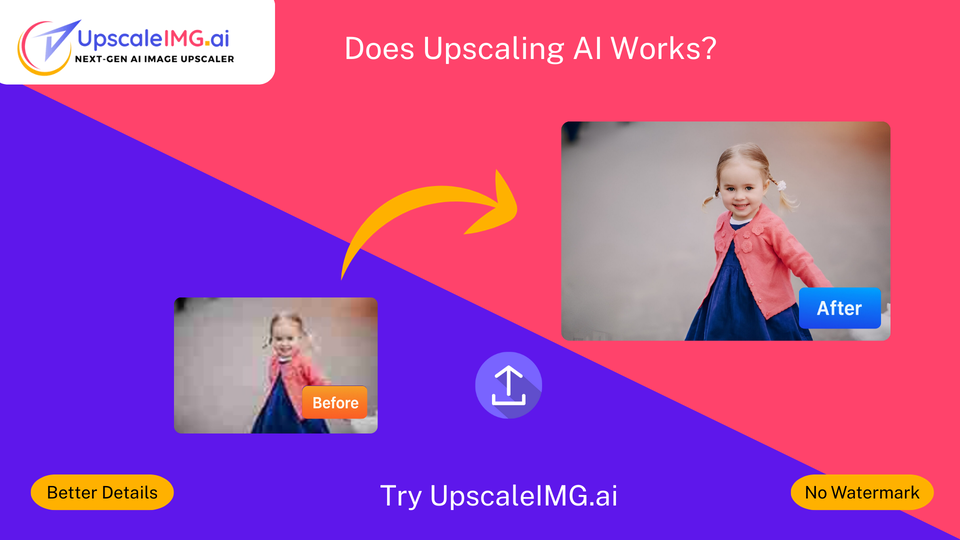
Does AI Upscaling Actually Work?
Traditional upscaling = bigger image, but blurry edges.
AI upscaling = bigger image with restored sharpness and realistic texture.
| Feature | Traditional Upscaling | AI Upscaling |
| Sharpness | Loses clarity | Maintains/enhances |
| Detail Restoration | None | Adds realistic detail |
| Noise Reduction | No | Yes |
| File Size | Smaller | Larger but higher quality |
| Best For | Simple resizing | Professional-quality enlargement |
- Sharp, Clear Results – Perfect for professional presentations.
- Time-Saving – One-click enhancement instead of hours of manual editing.
- Great for Old Photos – Restores details that were once thought lost.
- Boosts E-Commerce Sales – High-res images attract more buyers.
- Improves Marketing Assets – Sharp images look more trustworthy. Try with UpscaleIMG.AI.
- Can’t Create Authentic Details from Nothing – It guesses, but sometimes incorrectly.
- Works Best with Decent Source Quality – Extremely blurry originals may not upscale well.
- Over-Sharpening Risk – Some tools make images look too artificial.
- Performance Variability – Not all AI upscalers are equal—quality depends on the algorithm.
- Tip: UpscaleIMG.AI uses advanced models to minimize these issues and produce natural-looking results.
- E-Commerce Product Images – Small online shops often have only low-res images from suppliers. AI upscaling makes them crisp, increasing click-through rates and sales.
- Photography – Wedding photographers restore old, pixelated shots to high quality without re-shooting.
- Marketing Campaigns – Social media managers turn small logos into banner-ready graphics.
- Restoration of Historical Photos – Archivists revive century-old portraits without damaging the originals.
🔧 How Things Are Done Now
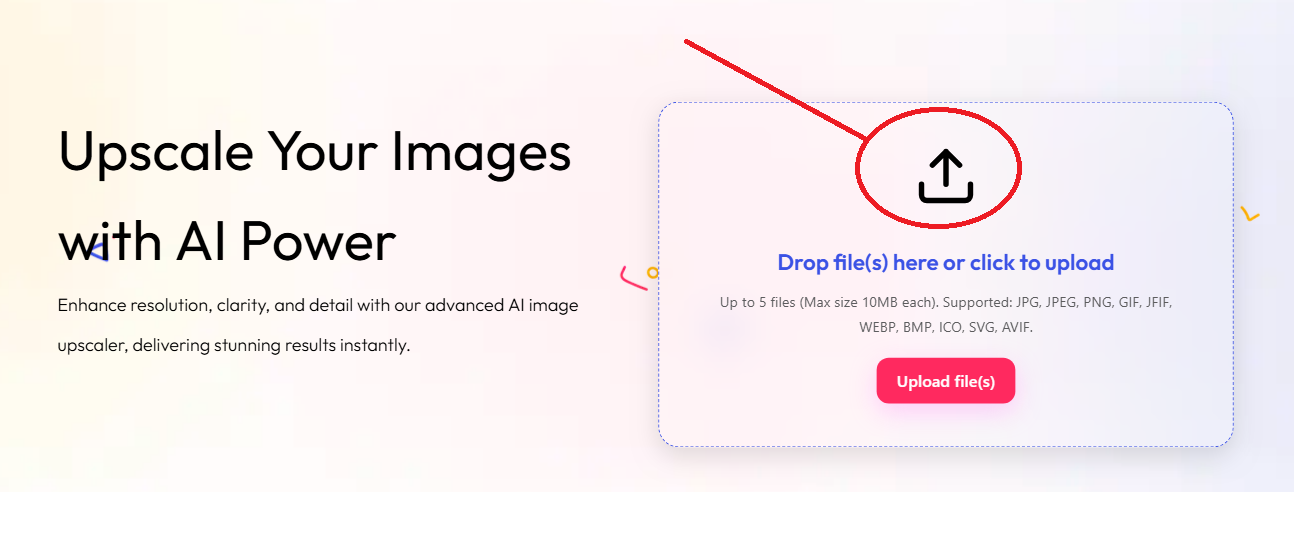
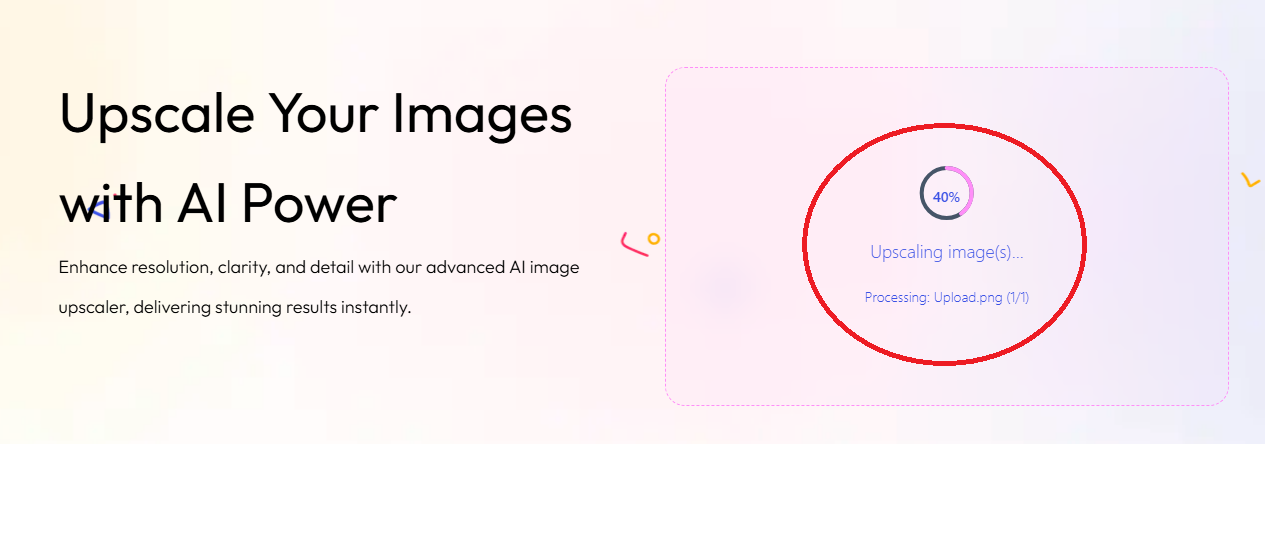
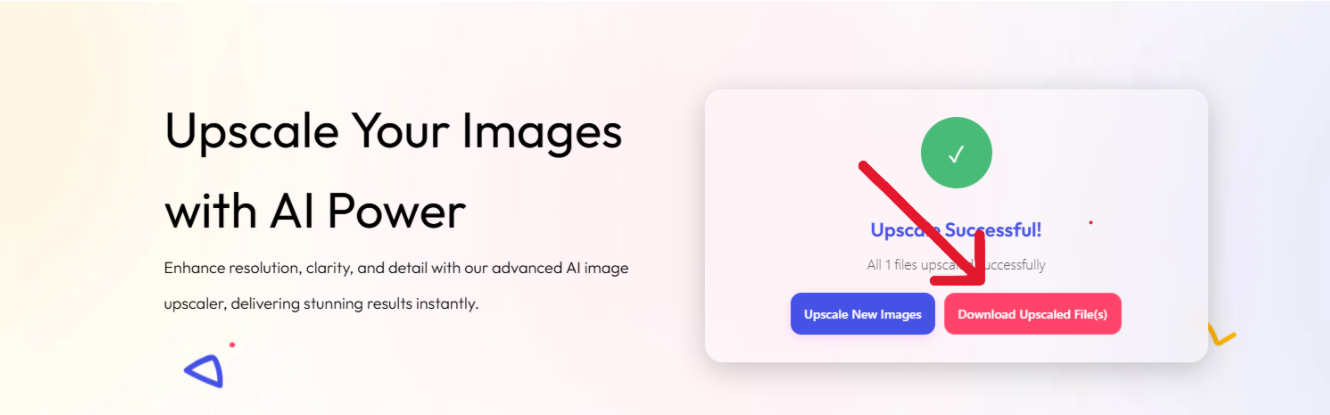
Yes—if quality matters to you.
From e-commerce stores to personal photo collections, AI upscaling delivers results that would take hours to achieve manually.
For the best results, use tools with state-of-the-art algorithms—like UpscaleIMG.AI—that focus on both clarity and natural appearance.
Curious About AI Upscaling?
Discover how upscaling AI can transform your images with sharper details, higher resolution, and instant enhancements using advanced AI technology.
Try AI Upscaling NowYes. Photoshop resizing is basic pixel stretching, while AI predicts and restores lost details.
It can improve it significantly, but results depend on the original quality.
Absolutely! You can try our AI image upscaler for free to see the remarkable difference AI can make. Just click the “Start Upscaling Now” button on our homepage to begin.
You won’t be waiting long! Our platform boasts blazing-fast processing speeds, delivering your enhanced images in seconds, not minutes. This means you can optimize your workflow with speed and efficiency.

 English
 Indonesian
 Hindi
Hindi Dutch
Dutch Arabic