
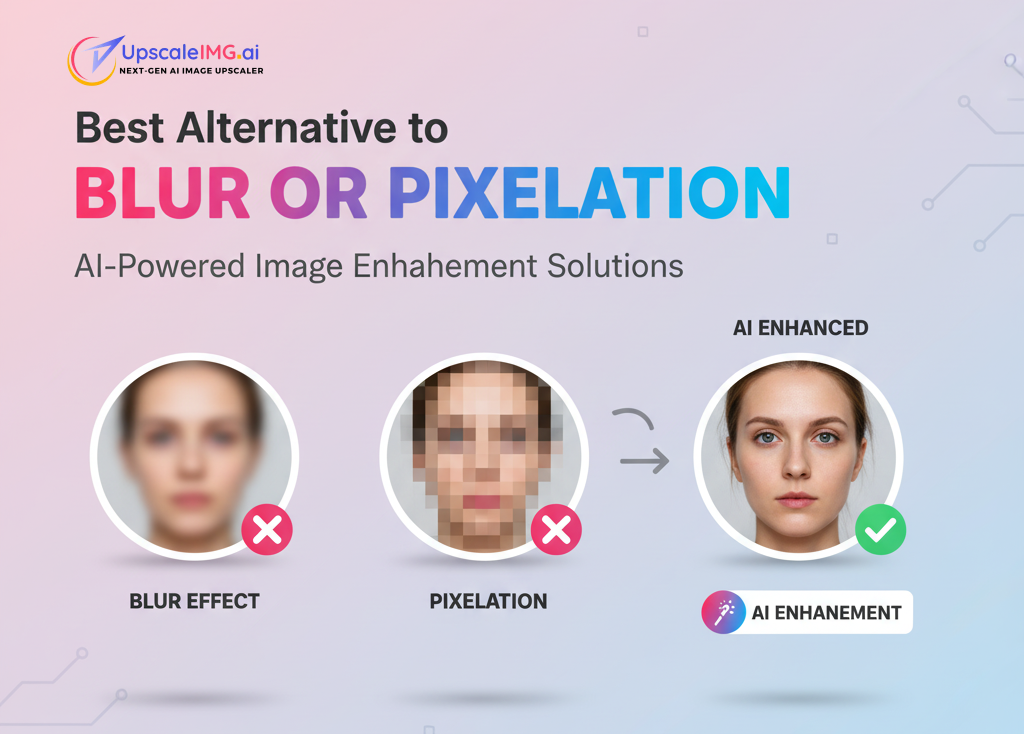
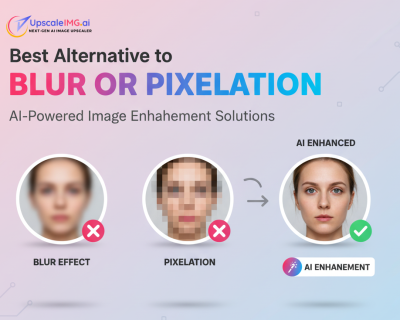
Best Alternative to Blur or Pixelation: AI-Powered Image Enhancement Solutions
Instead of hiding image problems with blur or pixelation effects, discover professional alternatives that actually enhance and restore your photos using advanced AI technology.
Mulailah MembacaDaftar Isi
How It Works: Simple 3-Step Process
Transform your images from blurry to brilliant in just three easy steps
Unggah Gambar Anda
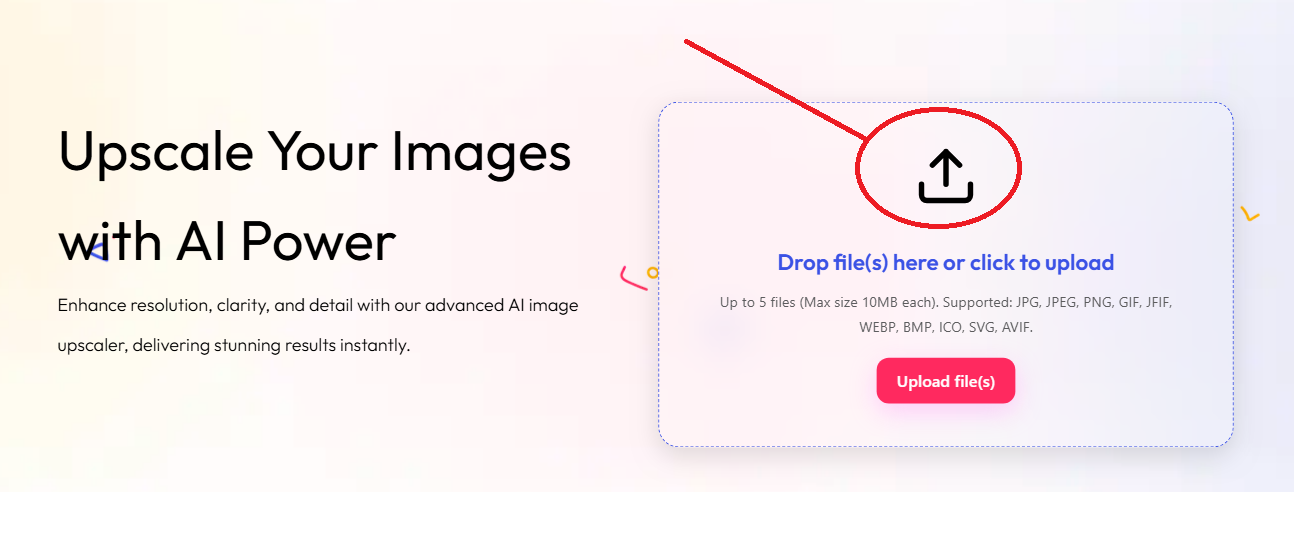
Simply drag and drop your blurry or low-quality image, or click to browse and select from your device. We support all major image formats.
Pemrosesan AI
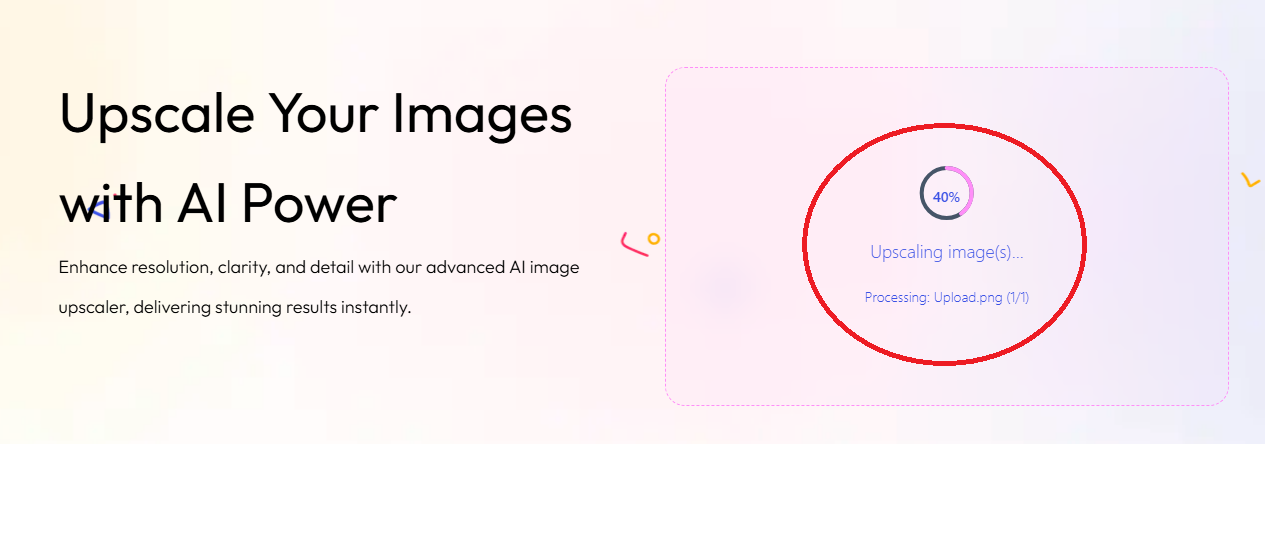
Our advanced AI algorithms analyze your image and intelligently enhance details, reduce noise, and increase resolution while preserving the original quality.
Download Result
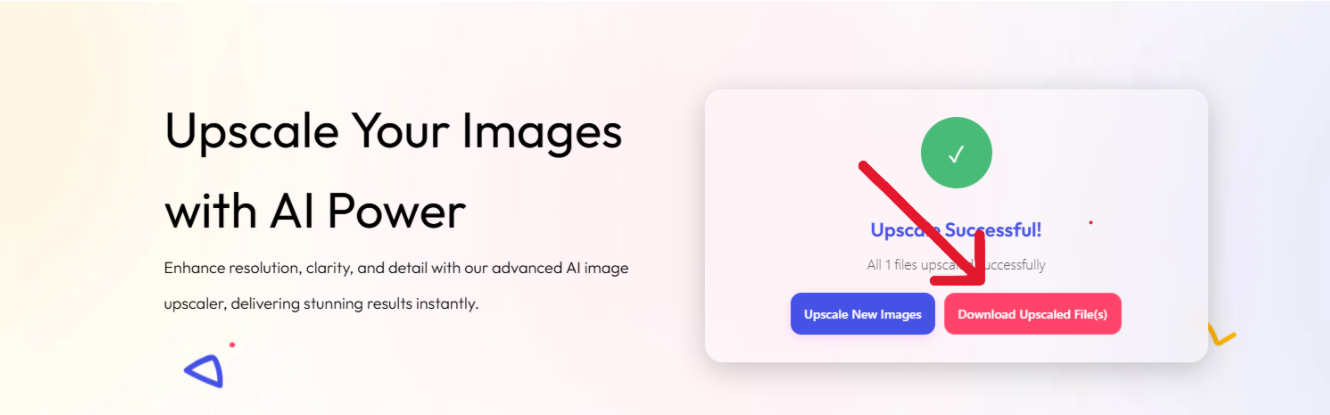
Download your enhanced image in high resolution. Compare the dramatic improvement and use your crystal-clear result immediately.
Before & After Examples
See the dramatic transformation possible with AI enhancement instead of blur or pixelation
Peningkatan Potret


Instead of blurring facial imperfections, our AI face enhancer restores natural detail and clarity.
Product Photography
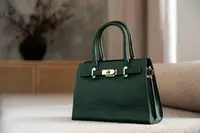
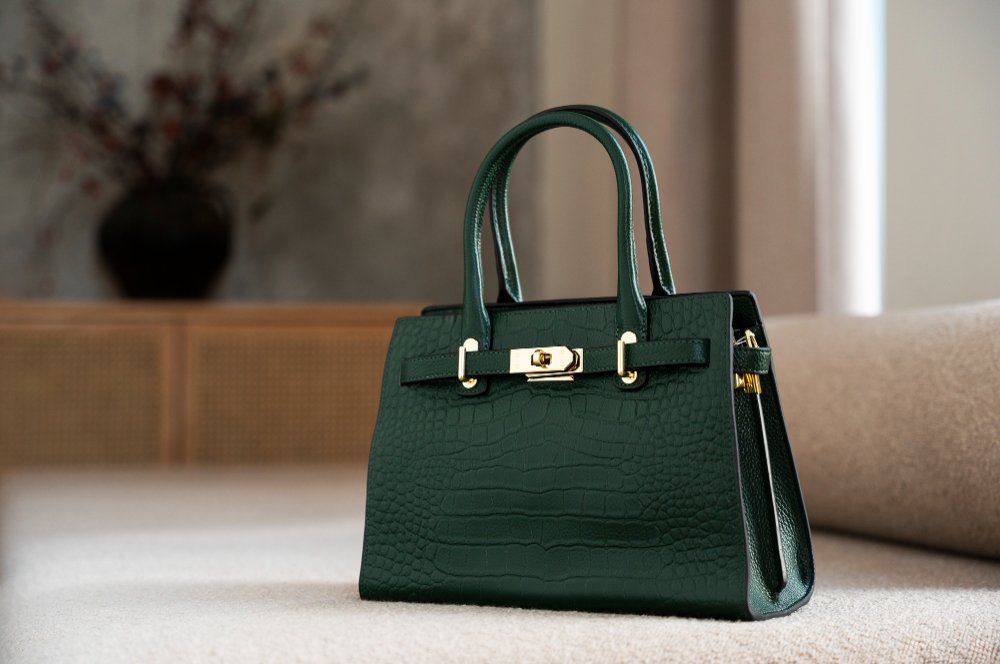
Transform low-resolution product images into crisp, professional visuals perfect for e-commerce with our AI upscaler.
Landscape Photography
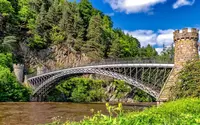
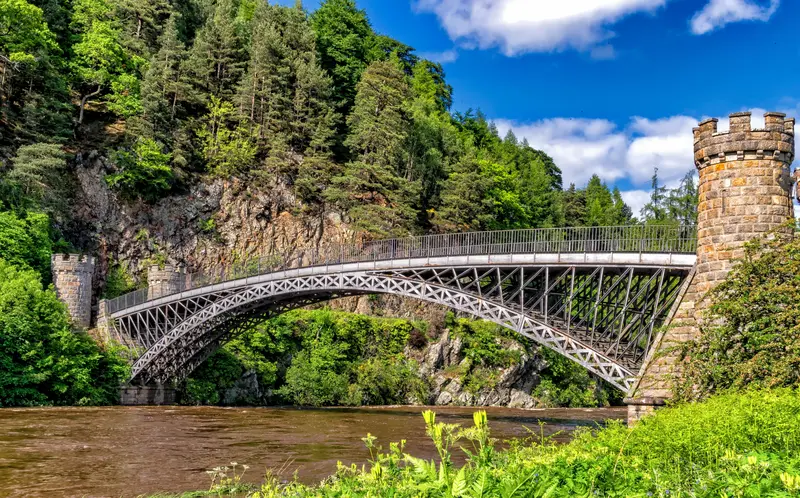
Enhance scenic photos by recovering fine details in textures, vegetation, and architectural elements without any blurring effects.
When faced with low-quality, blurry, or pixelated images, many people's first instinct is to apply blur effects or accept pixelation as a necessary compromise. However, modern AI technology offers powerful alternatives to blur or pixelation that can actually enhance and restore image quality instead of simply hiding the problems.
This comprehensive guide explores professional image enhancement solutions that provide superior results to traditional blur or pixelation effects, helping you achieve crisp, clear, and visually appealing images.
🚀 Quick Solutions:
Why You Should Avoid Blur and Pixelation
The Problems with Traditional Approaches
Blur and pixelation effects are essentially masking techniques that hide image problems rather than solving them. While they might seem like quick fixes, they come with significant drawbacks:
❌ Loss of Detail
Blur effects permanently destroy image information and fine details
❌ Unprofessional Appearance
Pixelated or blurred images appear low-quality and unprofessional
❌ Poor User Experience
Viewers struggle to see important details in blurred content
❌ SEO Impact
Search engines may rank low-quality images poorly
💡 Better Solution:
Instead of hiding problems, use AI image enhancement to actually improve image quality and restore clarity.
Stop Hiding Image Problems - Start Solving Them
Transform your blurry, pixelated images into professional-quality visuals with our AI-powered enhancement tools

 English
 Indonesian
 Hindi
Hindi Dutch
Dutch Arabic