
Upscaling Image 1.5x Online: Precise Image Enlargement with AI at UpscaleIMG.AI
Upscaling by 1.5x means increasing your image’s width and height by 50%—resulting in 1.5 times the original pixel count. For example:
| Original Size | 1.5x Upscaled Size |
| 800 × 600 px | 1,200 × 900 px |
| 1,000 × 500 px | 1,500 × 750 px |
| 400 × 300 px | 600 × 450 px |
Upscaling to 1.5x strikes the perfect balance between too small and unnecessarily large images, providing crisp detail without excessive file sizes.
- Responsive design needs: Many devices or webpage grid systems require sizes between 1x and 2x for ideal display.
- Exact print dimensions: Avoid awkward cropping by matching design specs exactly.
- Optimized file size: A 1.5x image avoids the bloat of 2x or 4x images, which can slow websites.
- Sharper visuals: AI-powered upscaling creates new detail, avoiding pixelation common in simple resize tools.
- Better user experience: Faster page loads and sharp visuals contribute to higher engagement and SEO benefits.
Unlike traditional resizing methods that stretch existing pixels leading to blur and artifacts, AI upscaling at UpscaleIMG.AI uses deep learning: upscaleimg.ai for image enhancement provides a powerful solution that intelligently reconstructs details, resulting in stunning, high-resolution images. This technology analyzes photographs at a pixel level, ensuring that enhancements do not compromise the original quality. As a result, users can experience clearer, sharper images ideal for both personal and professional use.
- Trained AI models analyze millions of images to learn how to generate new pixels realistically.
- Content-aware enhancement restores texture, edges, and details based on context.
- You get images larger and crisper, not merely “bigger.”
This technology allows perfectly clear 1.5x scaling with smooth surfaces and sharp edges intact.
| Step | Action | Outcome |
| Step 1 | Upscale your image 2x on UpscaleIMG.AI | Image doubles in width & height |
| Step 2 | Open the 2x image in an editor and downsize to 50% (0.5x) | Resulting image is 1.5x original |
- Adobe Photoshop
- Paint.NET
- Photos (Windows)
- MS Paint (Windows)
- Preview (Mac)
- ImageResizer
| Original Size (px) | After 1.5x Upscale (px) |
|---|---|
| 800 × 600 | 1,200 × 900 |
| 1,000 × 500 | 1,500 × 750 |
| 400 × 300 | 600 × 450 |
| 600 × 1,200 | 900 × 1,800 |
| 2,000 × 1,000 | 3,000 × 1,500 |
| 300 × 300 | 450 × 450 |
| 2,500 × 4,000 | 3,750 × 6,000 |
🔧 How Things Are Done Now
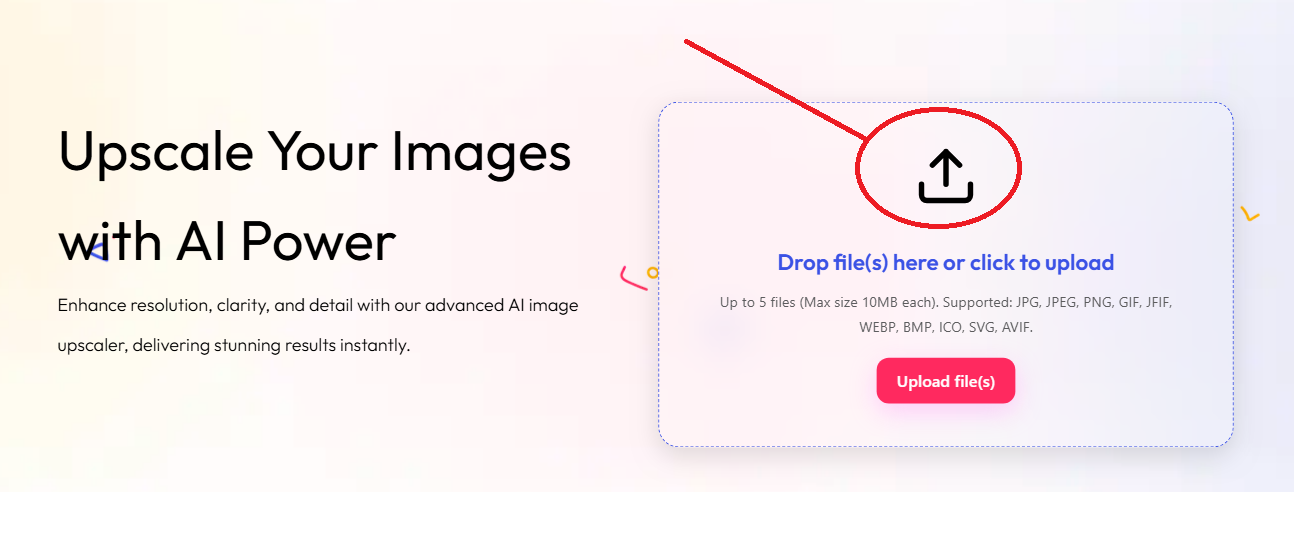
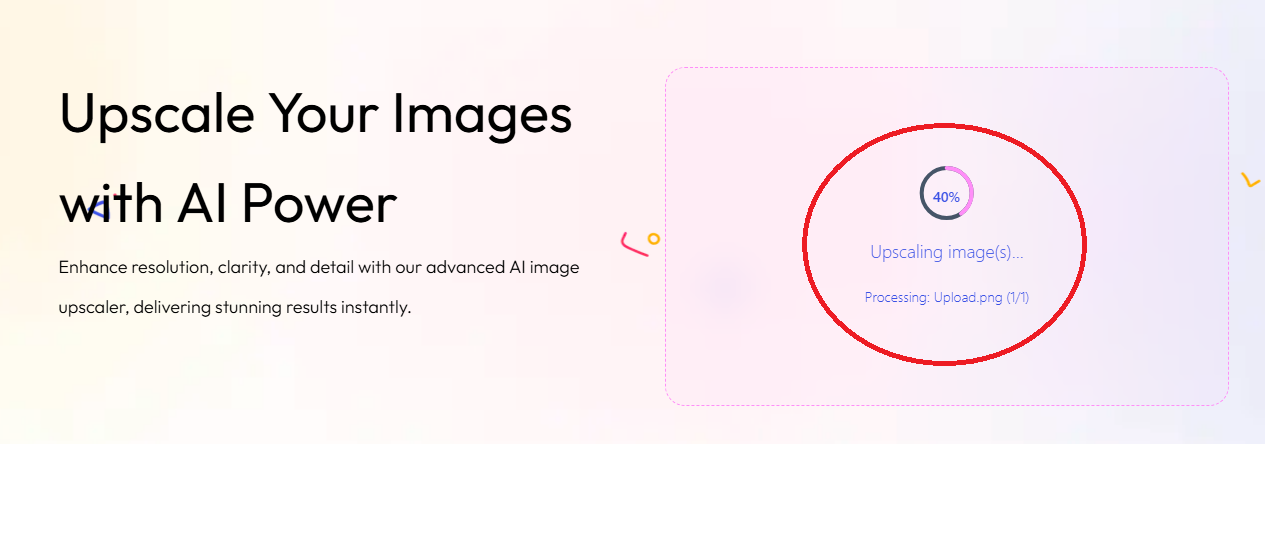
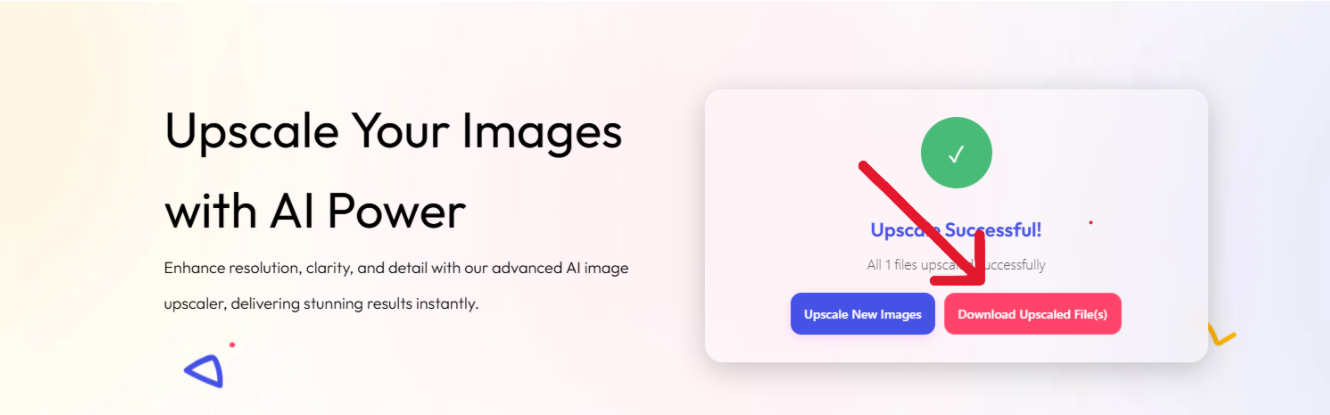
- Perfectly fits specific layout and device requirements
- AI-enhanced image quality avoids pixelation
- Avoids file size overhead of standard 2x/4x upscale
- Boosts website loading speed and SEO rankings
- Professional, crisp images for print and digital use
- Enhances user experience and engagement
- Always start with the highest quality original image for best results
- Maintain aspect ratio when resizing to avoid distortion
- Use reputable editing tools for downsizing with bicubic or similar resampling
- Compress images appropriately post-upscale for web optimization
- Preview results carefully for any AI artifacts and adjust if needed
- Leverage batch processing on UpscaleIMG.AI for bulk image workflows
1.5x offers precise, tailored sizing for web, print, and device pixel ratios without excessive file size or quality loss.
No. Upscaling 2x with AI ensures added detail, and downsizing retains superior sharpness.
JPG, PNG, WebP, TIFF, GIF, BMP, ICO, SVG, AVIF, and more.
Yes, free plan allows up to 5 images at once without registration.

 English
 Indonesian
 Hindi
Hindi Dutch
Dutch Arabic